
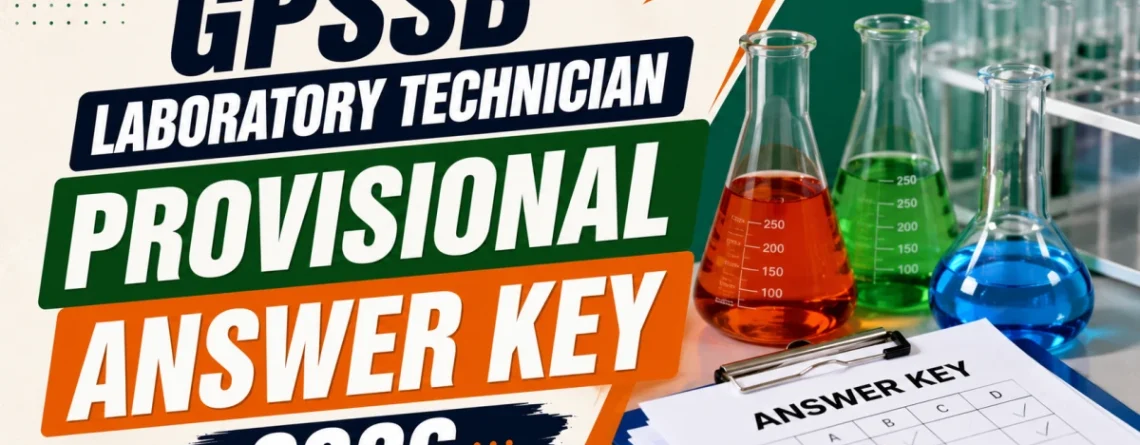
The Gujarat Panchayat Service Selection Board (GPSSB) has officially released the Provisional Answer Key cum Response Sheet for the Laboratory Technician recruitment exam under Advertisement No. 04/2026-27. The Computer Based Response Test (CBRT) was conducted on 5th July 2026, and candidates can now check their responses, compare them against the provisional key, and raise objections if needed. The answer key and response sheet are available online from 8th July 2026, 2:00 PM to 13th July 2026, 11:55 PM.
GPSSB Laboratory Technician Provisional Answer Key 2026 – Overview
Before diving into the download process, here is a quick summary of the key details related to this notification, useful for candidates who want a fast overview of dates and links.
GPSSB Laboratory Technician Provisional Answer Key 2026 Download Link
Candidates who appeared in the Laboratory Technician CBRT exam can access their provisional answer key and response sheet using the official login link provided by GPSSB below.
Direct Link: GPSSB Laboratory Technician Provisional Answer Key 2026
Candidates need to log in using their Confirmation Number and Date of Birth to view their individual question paper, response sheet, and the provisional answer key.
How to Download GPSSB Laboratory Technician Provisional Answer Key
Follow these simple steps to log in to the GPSSB portal and download your Provisional Answer Key cum Response Sheet in PDF format.
Step-by-Step Process
- Click on the Admit Card Download Link published on the official GPSSB website within the given timeline.
- Select the correct Advertisement Number and Name from the dropdown menu.
- Enter your Confirmation Number and Date of Birth in DDMMYYYY format.
- Enter the Captcha code shown in the image and click on Login.
- Verify your personal details on the Applicant Details page, including your name, confirmation number, advertisement number, photograph, and signature.
- Click on the Candidate Response tab to view your assigned test center, exam date, and exam time.
- Click on “Click here to generate” to load your question paper and response details.
- A new window will open displaying the Provisional Answer Key cum Response Sheet. Click Print and save it as a PDF on your device.
How to Raise an Objection Against the GPSSB Provisional Answer Key
If a candidate disagrees with any answer given in the provisional key, GPSSB allows objections to be submitted online only, within the specified deadline. This section explains the complete objection submission process along with important rules.
Important Rules for Raising Objections
- Objections must be submitted online only. Offline submissions, in-person visits to the office, or objections sent through any other medium will not be considered.
- Only candidates who actually appeared for the CBRT exam are eligible to raise online objections.
- A candidate can raise objections for more than one question if required.
- Objections must be submitted strictly according to the Question ID mentioned in the candidate’s own Provisional Answer Key cum Response Sheet.
- Once an objection is submitted, it cannot be edited later, so candidates should review carefully before final submission.
Step-by-Step Process to Submit an Objection
- After logging in, click on the Objection Form tab.
- Click on the “Click here to raise objection” button.
- Carefully read all on-screen instructions before proceeding.
- Fill in the required details, including Confirmation Number, Roll Number, Applicant Name, Subject Name, Test Date, Shift, Question ID, language in which the question was answered, and type of objection.
- Choose whether you want to add remarks, and if yes, mention your reason clearly in English only.
- Upload supporting documents to justify your objection.
- Click Submit to complete the objection process.
Document Requirements for Objection Submission
GPSSB requires candidates to support their objections with valid reference material. This section outlines the accepted document format and content requirements.
- Upload a minimum of 1 and a maximum of 3 reference documents per objection.
- Reference documents should clearly mention the Book Name, Publication, Author’s Name, Edition, and Year of Release.
- Accepted file formats are PDF, JPG, or JPEG only.
- Maximum file size allowed per document is 400 KB.
- Documents must be clear and readable; objections without valid proof or reference may be discarded.




Leave a Reply